AI for MEP Takeoffs: Save Time with Automated Quantities

Why MEP Teams Are Turning to AI-Assisted Takeoffs
Faster early estimates
AI helps prepare draft quantities from complex MEP drawing sets so estimators can focus on validating assumptions instead of manually tracing every line.
Traceable, review-ready outputs
Every measured run and counted fitting links back to its source sheet, giving teams confidence during internal reviews and client clarifications.
Built for constant change
When addenda arrive, it’s easy to run updated prompts and revise drafts without rebuilding your takeoff from scratch.
Upload your mechanical, electrical, or plumbing PDFs and provide a clear prompt. The system prepares a draft takeoff automatically and notifies you on completion.
How It Works
- Upload your drawing set — Floor plans, risers, schematics, and schedules can all be included.
- Write a prompt — Describe exactly what to measure or count (e.g., “duct lengths by width/height; diffuser counts; damper quantities”).
- Click Run — AI reviews your documents and prepares a draft takeoff aligned to your instructions.
- Verify & refine — Your QA team reviews the draft, adjusts any assumptions, and finalizes the quantities.
- Share confidently — Provide stakeholders with takeoffs that reference every source sheet.
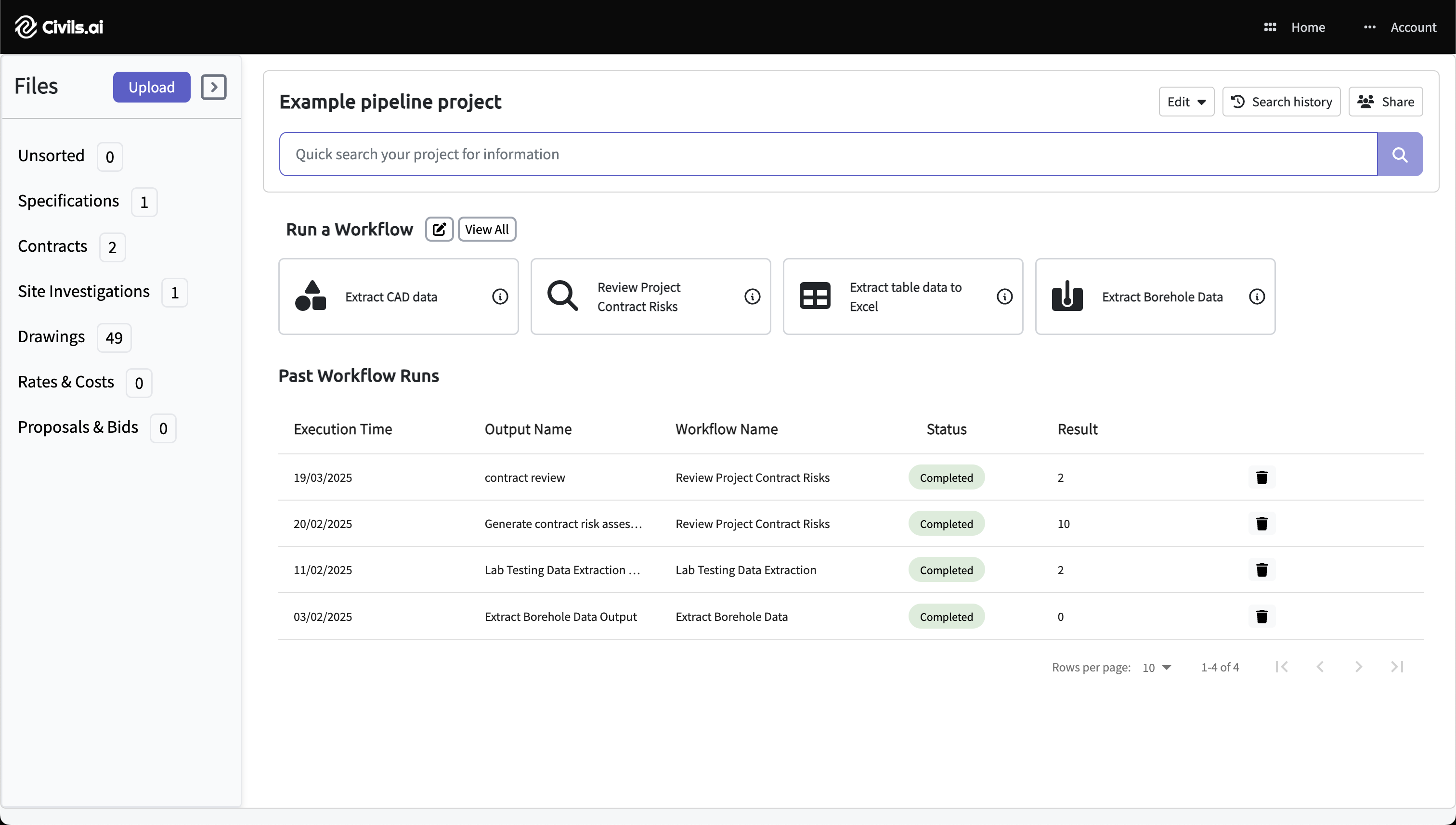
Upload PDFs
Drag in your mechanical, electrical, or plumbing plans. Works with scanned sheets and mixed multi-page sets.
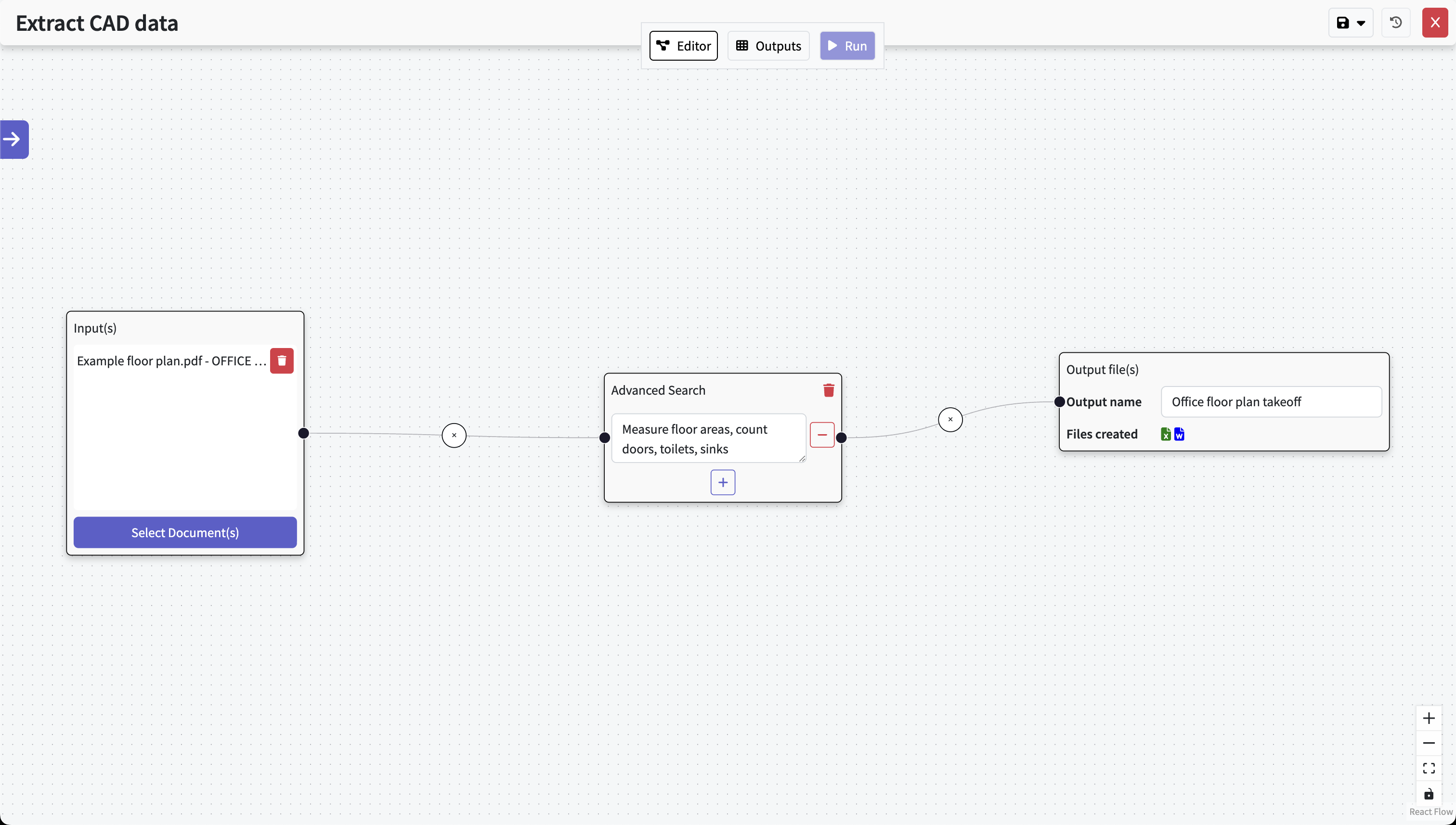
Type out your prompt
Explain what you need measured in natural language. The AI prepares the takeoff, and your QA team confirms accuracy.
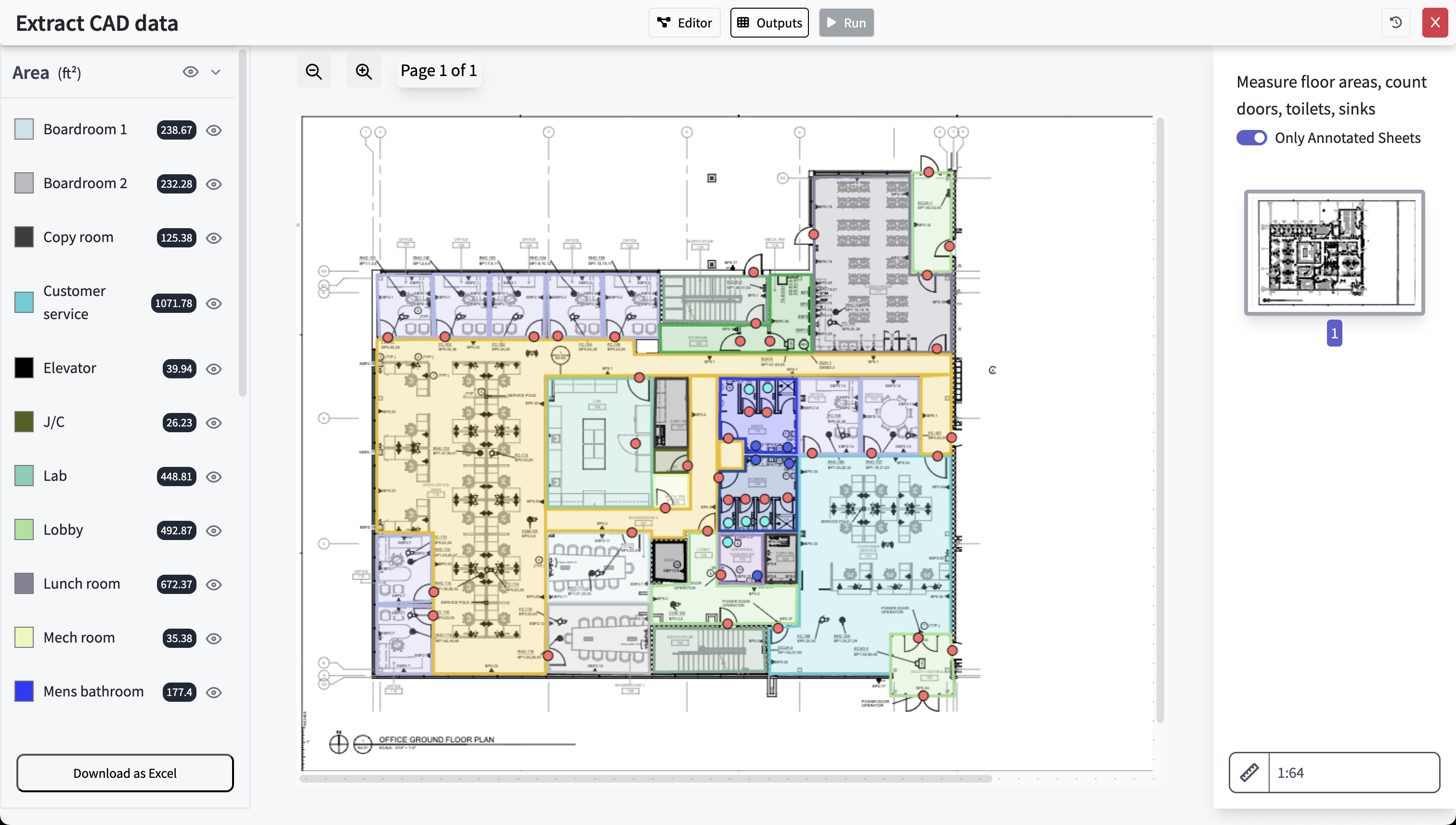
Review & export
Check quantities against the annotated drawings. Export to Excel or annotated PDF as needed.
What the Draft Takeoff Can Include
Outputs are designed as a clean, reviewable starting point—so your team spends more time refining and less time doing repetitive tracing.
Common MEP items
- Duct lengths by size and system (supply, return, exhaust)
- Counts for dampers, VAV boxes, bends, transitions
- Pipe lengths by material and diameter
- Fixture counts, equipment callouts, and sheet references
Clarity on specifications
All sizes, materials, and component types come directly from your drawings and schedules. The system only reports what is documented—no inferred values.
What to Expect (and What Not To)
Overview
What you can expect
- A structured draft takeoff for mechanical, electrical, or plumbing scopes
- Clear references to every sheet used
- Faster reviews and fewer coordination gaps
Limitations
- Requires human review before issuing
- Only reports items visible or listed in your documents
- Does not perform 3D modeling or infer routing complexity
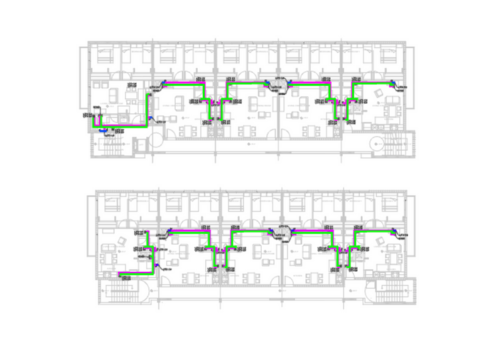
- Ductwork
- Pipework
- Cable tray
- Risers
- Branches
- Terminations
FAQ
Is this suitable for full MEP bids?
Yes. It accelerates early takeoff preparation so teams can focus on validating quantities and pricing strategies.
How accurate are the drafts?
The draft reflects what is shown in your documents. Your internal reviewers ensure final accuracy before quantities go out the door.
What drawings does it support?
Plan views, risers, schematics, and equipment schedules. Everything stays traceable to the pages used in measurement.
Can it handle complex mechanical systems?
It measures what is documented. Designs requiring interpretation, 3D routing, or hidden paths still require professional judgment.
Produce Clearer, Faster MEP Takeoffs with Civils.ai
Upload drawings, write your prompt, click run — then finalize a traceable, review-ready takeoff for mechanical, electrical, or plumbing scopes.
Civils.ai is designed to assist with takeoff preparation. Final quantities should always be validated by qualified professionals.