AI Takeoff & Estimating software for subcontractors.
Eliminate your manual measuring bottleneck with 90% less manual effort to measure and estimate quantities from PDF construction drawings. Type your scope in plain English and AI handles the takeoff with rounds of semi-automated QA checking before delivering verified results.
Simply type your scope. Get the takeoff.
Six categories cover almost every subcontractor scope — areas, lengths, counts and elevations. Every output is annotated on the original drawing and downloadable as Excel.
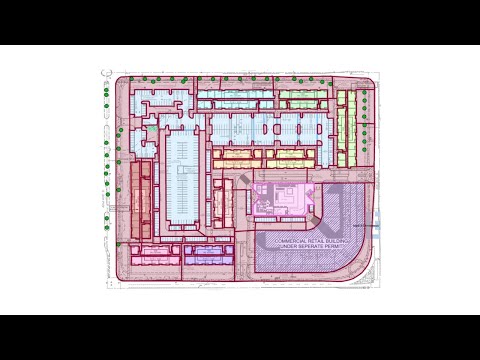
Floors, roads and landscaping areas
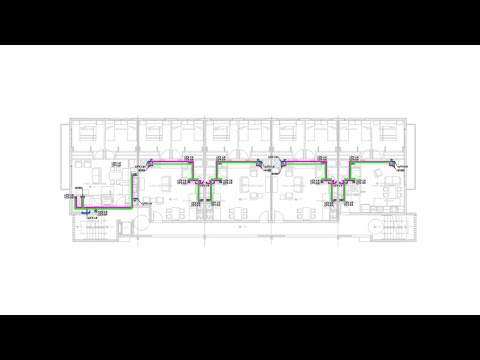
Utilities, drainage and MEP
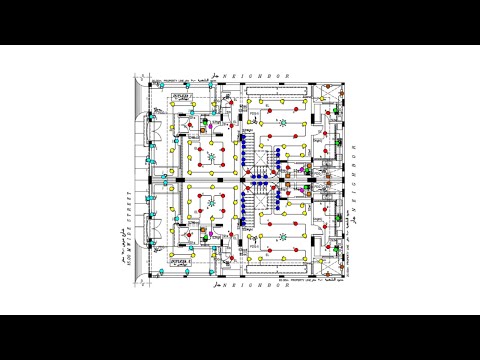
Devices, installations and fixtures
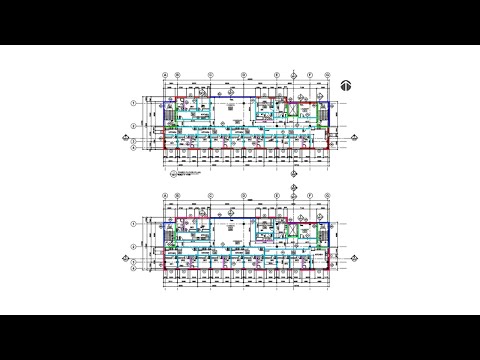
Foundations, footings and wall runs
Facade and formwork elevation areas
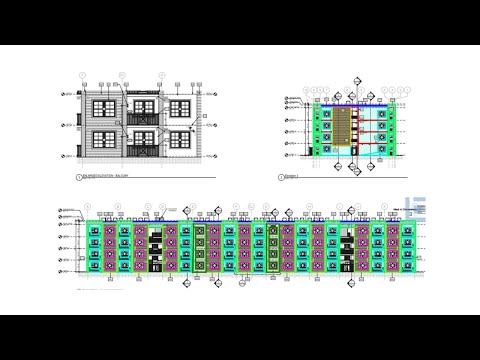
Opening counts and sizes
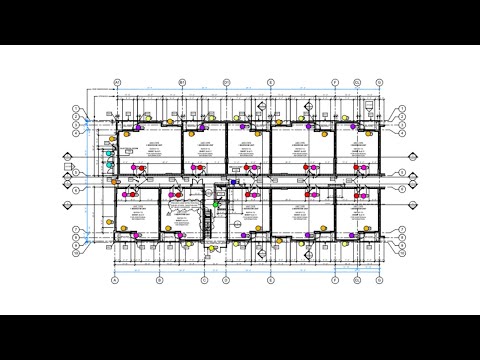
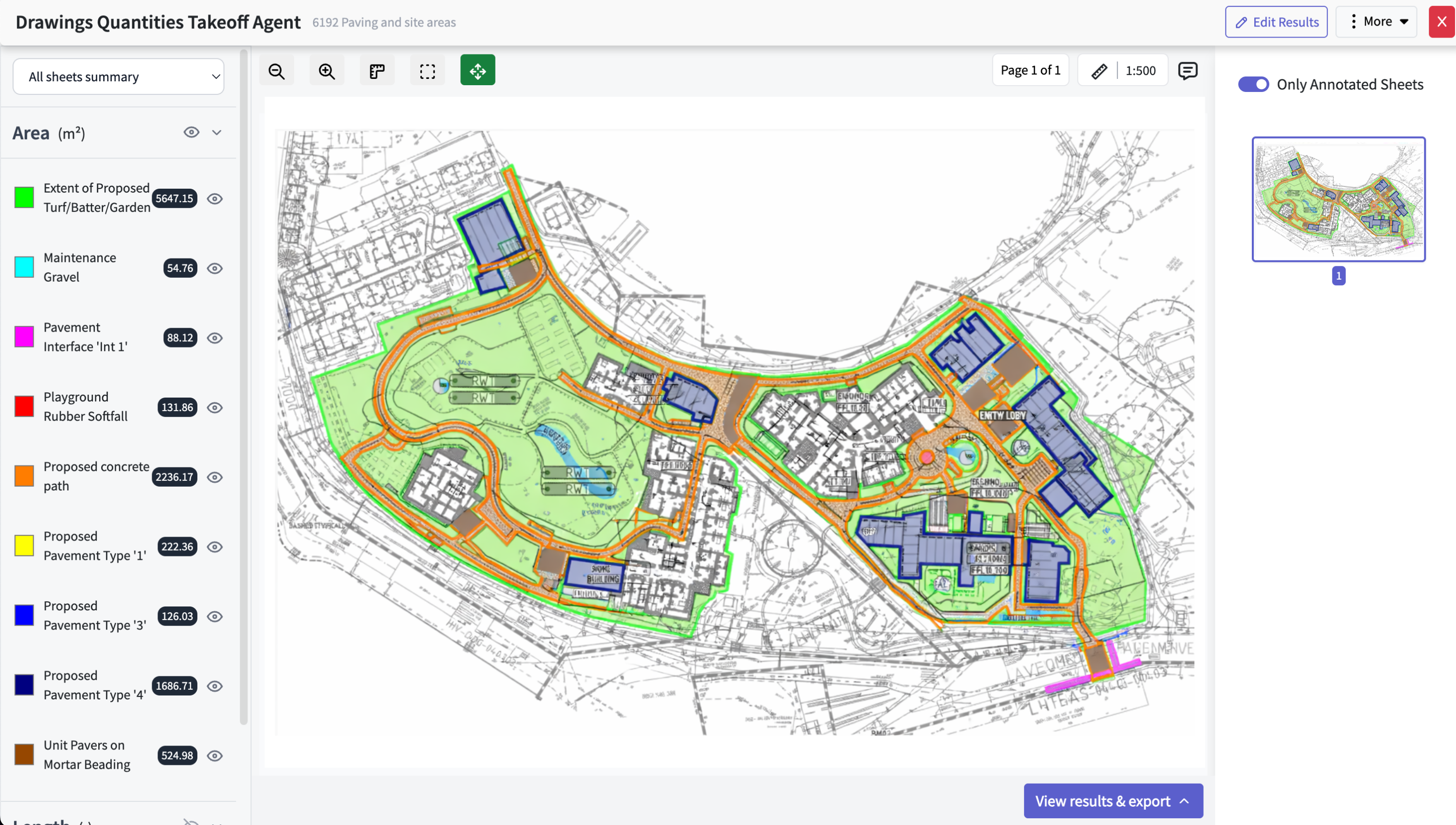
Edit your AI takeoff results
Civils.ai measures everything in the scope. You make any final corrections in the browser, then export — clean Excel quantities and an annotated PDF you can send to your team.
- Estimate earthworks, landscaping and paving
- Measure lengths of utilities, cables and conduits
- Count fixtures, devices and objects
- Size openings & elevation areas
From PDF to verified takeoff in 3 steps.
No setup, no training. Drop a drawing, type the scope, get measured quantities back — every result reviewed by our QA team before delivery.
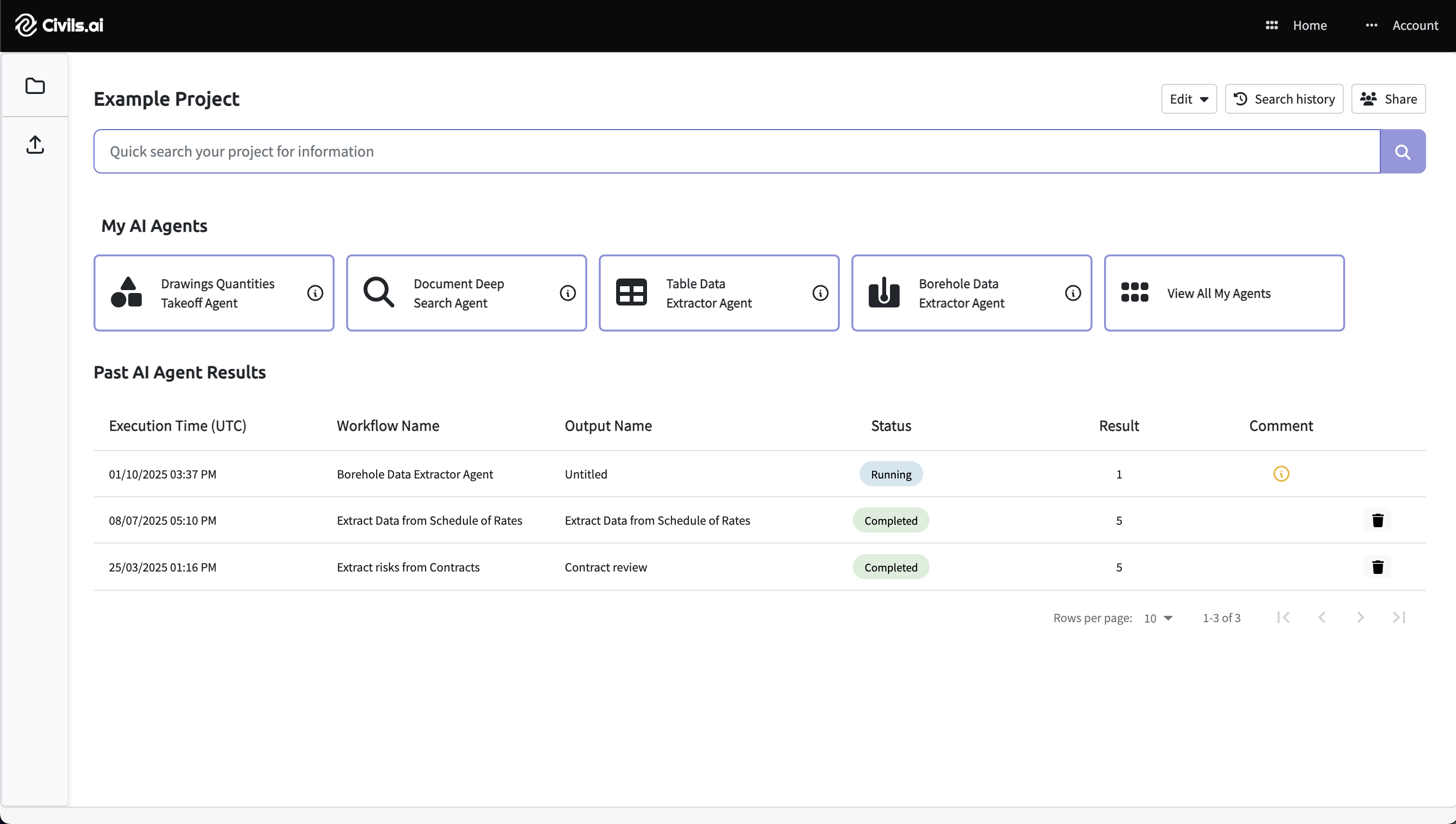
Upload PDFs
Drag & drop drawing or document PDFs. Works with scanned, historic and multi-sheet sets — no preparation required.
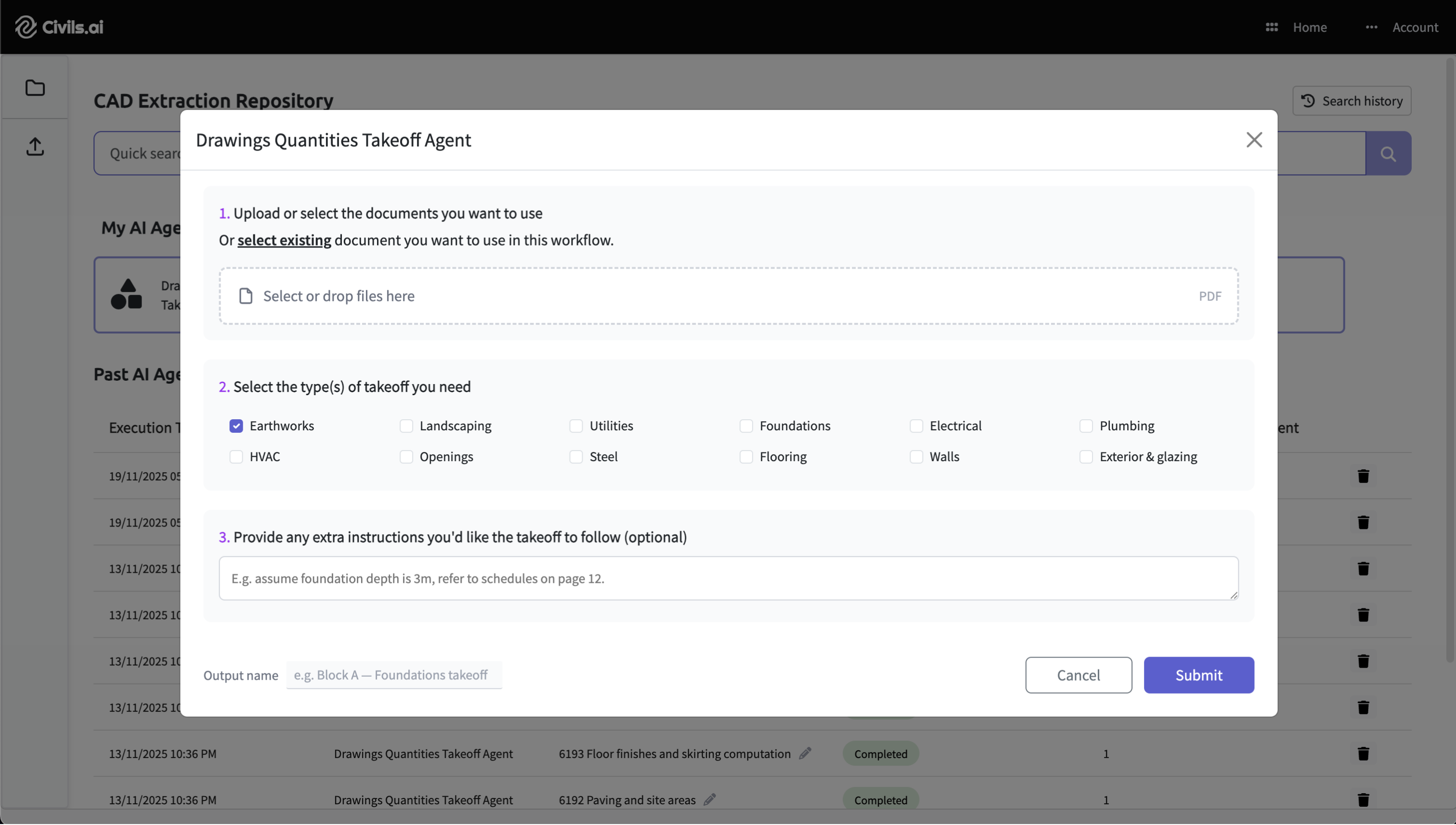
Type your prompt
Describe the scope in plain English — e.g. "Measure all asphalt road surfacing and paving areas." Hit Run.
Review & export
QA-reviewed results land on your annotated drawing. Edit anything, then export EXCEL & PDF.
Built for the way contractors bid.
Stop the manual takeoff grind, share repeatable workflows across your team and understand all the details about about the opportunity.
Edit the results
Make any small adjustments needed before exporting as an Excel and annotated PDF.
Share your repository
- Save AI workflows to your team account
- Give teammates permission to run them
- Share outputs and results across the firm
Run checks and searches across bid documents
We go beyond measuring with an intelligence layer allowing you to run questions across the entire set of plans and bid documents to find answers.
Frequently asked questions.
Answers to common questions about our services. Can't find what you're looking for? Get in touch.
Six trade categories cover almost every subcontractor scope: floors, roads and landscaping areas; utilities, drainage and MEP; devices, installations and fixtures; foundations, footings and wall runs; facade and formwork elevation areas; and opening counts and sizes. Every output is annotated on the original drawing and downloadable as Excel.
Type your scope in plain English -- no manual measuring and no CAD software required. Our AI runs the takeoff against your PDF drawings, then our QA team reviews every result before it comes back to you.
A drawing marked up with everything that was measured, plus a downloadable Excel export of the same quantities -- ready to drop into your estimate.
No. Everything runs in your web browser. Upload your PDF, describe the scope, and get your takeoff back without installing anything or manually scaling a drawing.
Yes. Request as many trades as you need from a single sheet -- see our pricing page for how multi-trade takeoffs are counted and capped.
Start using Civils.ai today.
Join 200+ contractors and consultants cutting takeoff time by up to 90%. No setup fees, cancel anytime.
Get started