Accurate AI Takeoffs & Checks before your project breaks ground.
Increase your team's capacity, with Construction AI that accurately measures and checks construction drawings & docs, reducing manual effort by up to 90%.
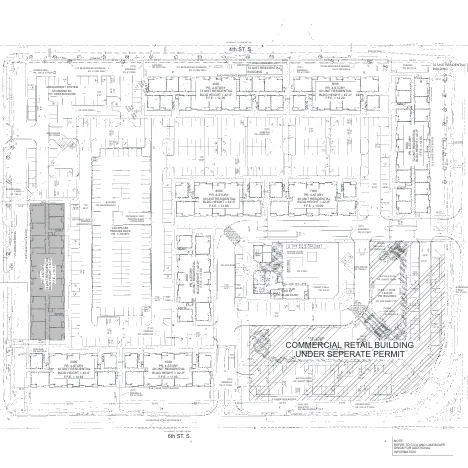










Two things Civils.ai does for your project.
Accurate takeoffs from PDF drawings.
Type the scope in plain English to measure areas, lengths, volumes, counts.
- Covers groundworks, landscaping, utilities, concrete, and more
- Reviewed and verified by rounds of semi-automated Civils.ai QA checking
- Edit and download as Excel & annotated PDF
Checks drawings & documents to catch discrepancies & mistakes
- AI for construction drawings that runs an automated review across your drawings to flag Critical, High risk, Medium risk and Low risk issues in minutes.
- Cross-check drawing sheets against each other e.g. civil vs. landscape, architectural vs. structural.
- Customise and fine-tune the checks which the AI runs.
- Save frequently-used checks as reusable templates
What our clients say.
4.8/5 from client feedback across contractors and consultants.
We can now generate detailed material takeoffs in a fraction of the time it previously took. We progress Whole Life Carbon Assessments more efficiently without compromising accuracy.
 Verified client
Their AI's ability to digitize vast amounts of subsurface data has significantly improved our efficiency — leading to better quality of submissions and impressed our clients.
 Verified client
The ability to transcribe data from borehole logs and reports, no matter how old, has been a great time saver. We've also been pleased with the collaborative approach to enhancing features.
 Verified client
Our team was bogged down with endless hours of manual data entry. Since using Civils.ai we have enhanced our operational efficiency and fostered a healthier work environment.
 Verified client
Projects we support.
We help firms like JTC automate quantities measurements from drawings and run AI checks across their projects — with ROI verified over 12 months of Civils.ai usage across a team of 38 users.

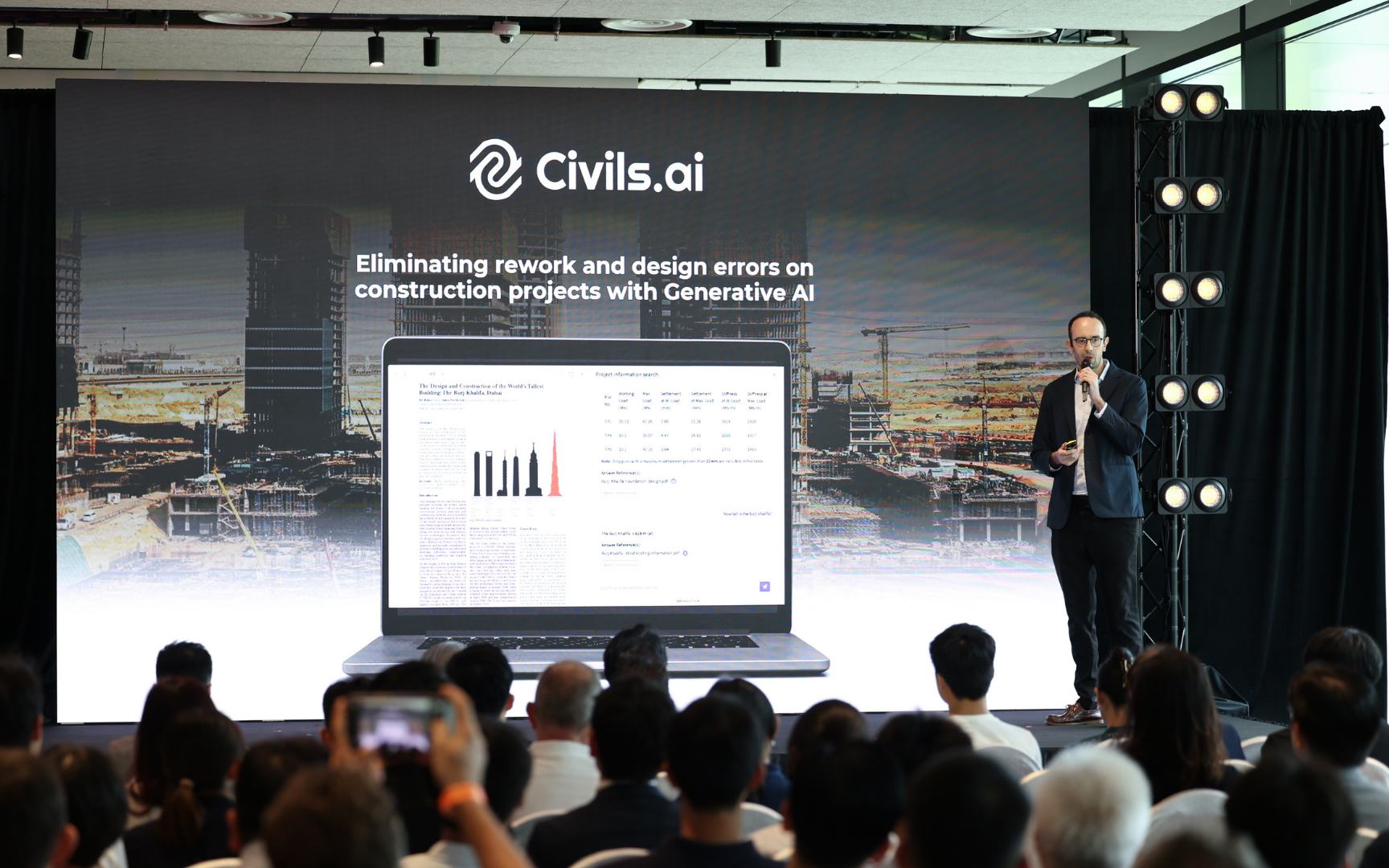
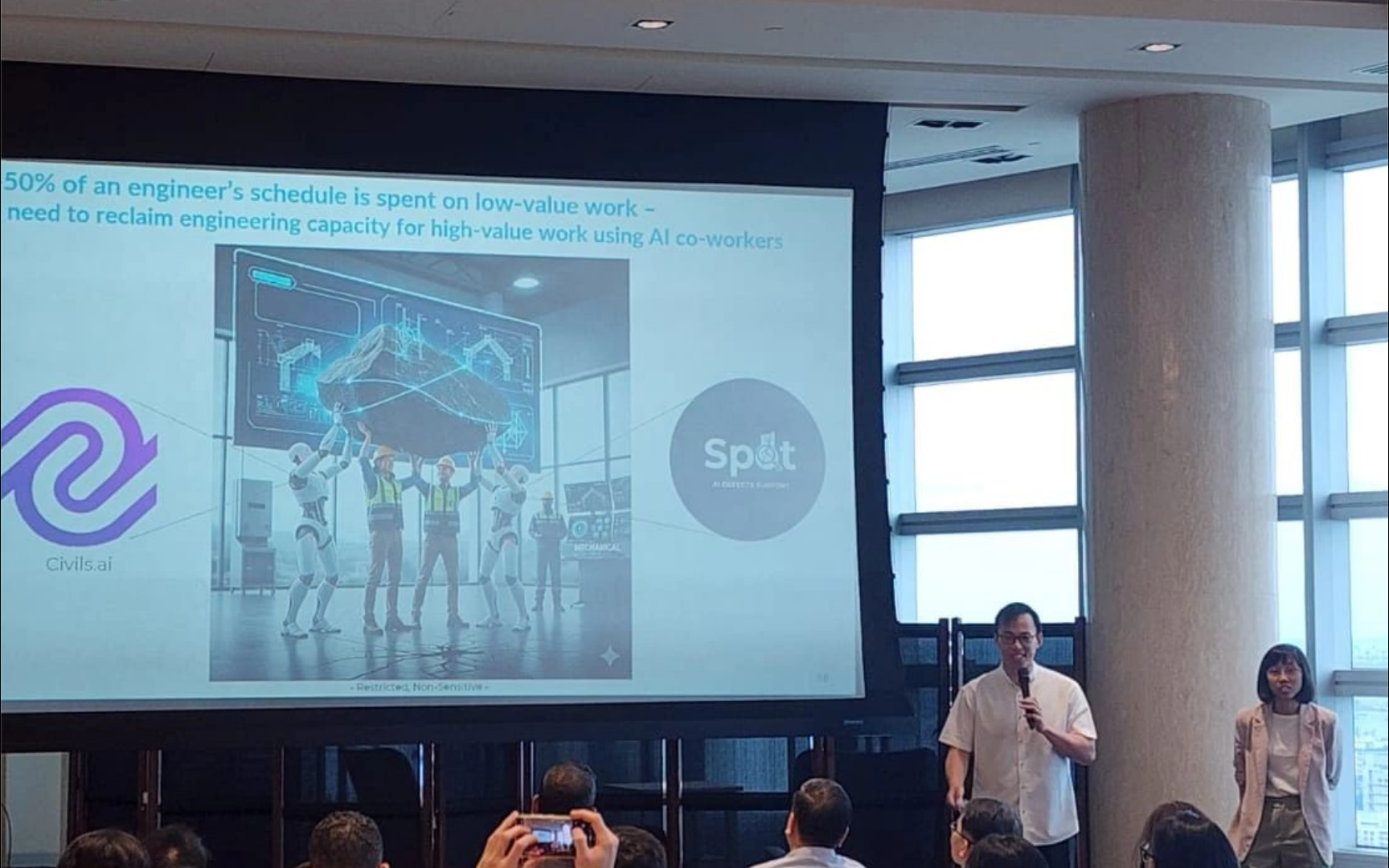
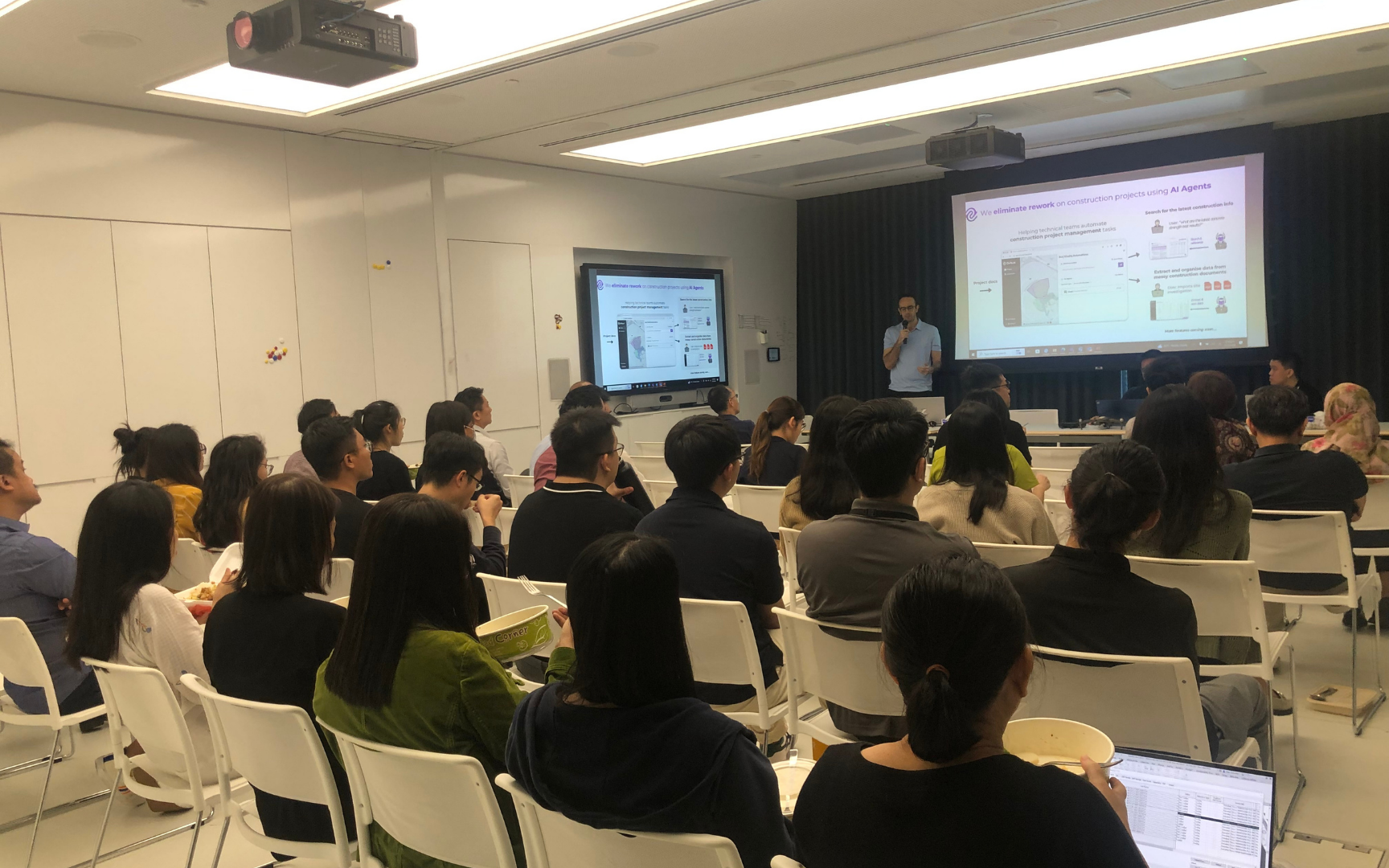
What's special about Civils.ai?
Built for construction teams from day one. General-purpose models weren't designed to read drawings, measure quantities, or cite specs.
How it works.
Cut manual work by 90%, by using AI Agents which produce results with cited answers.
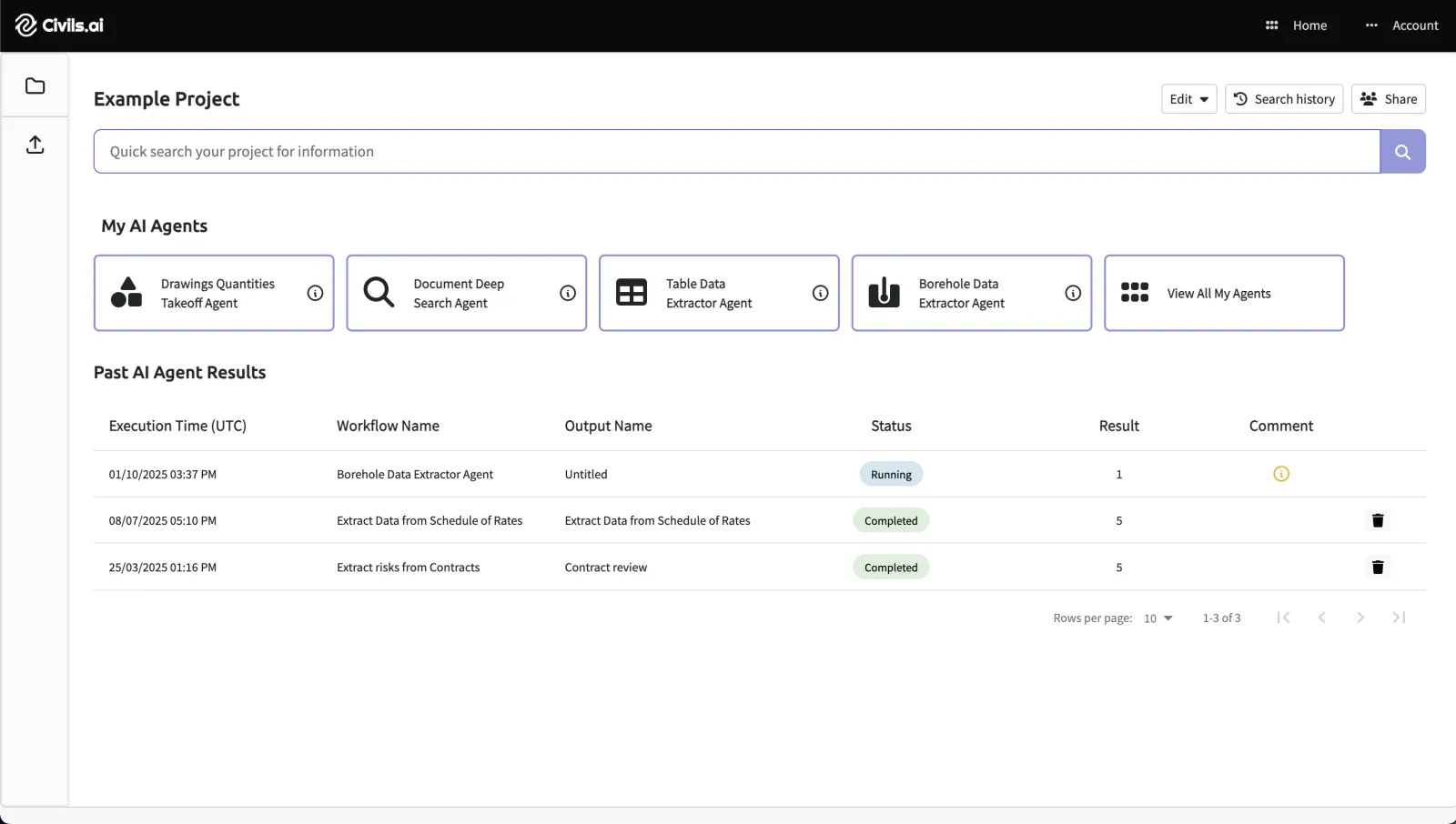
Upload PDFs
Drag & drop your drawing or document PDFs and select Extract CAD data. Works with scanned, historic and multi-sheet drawings.
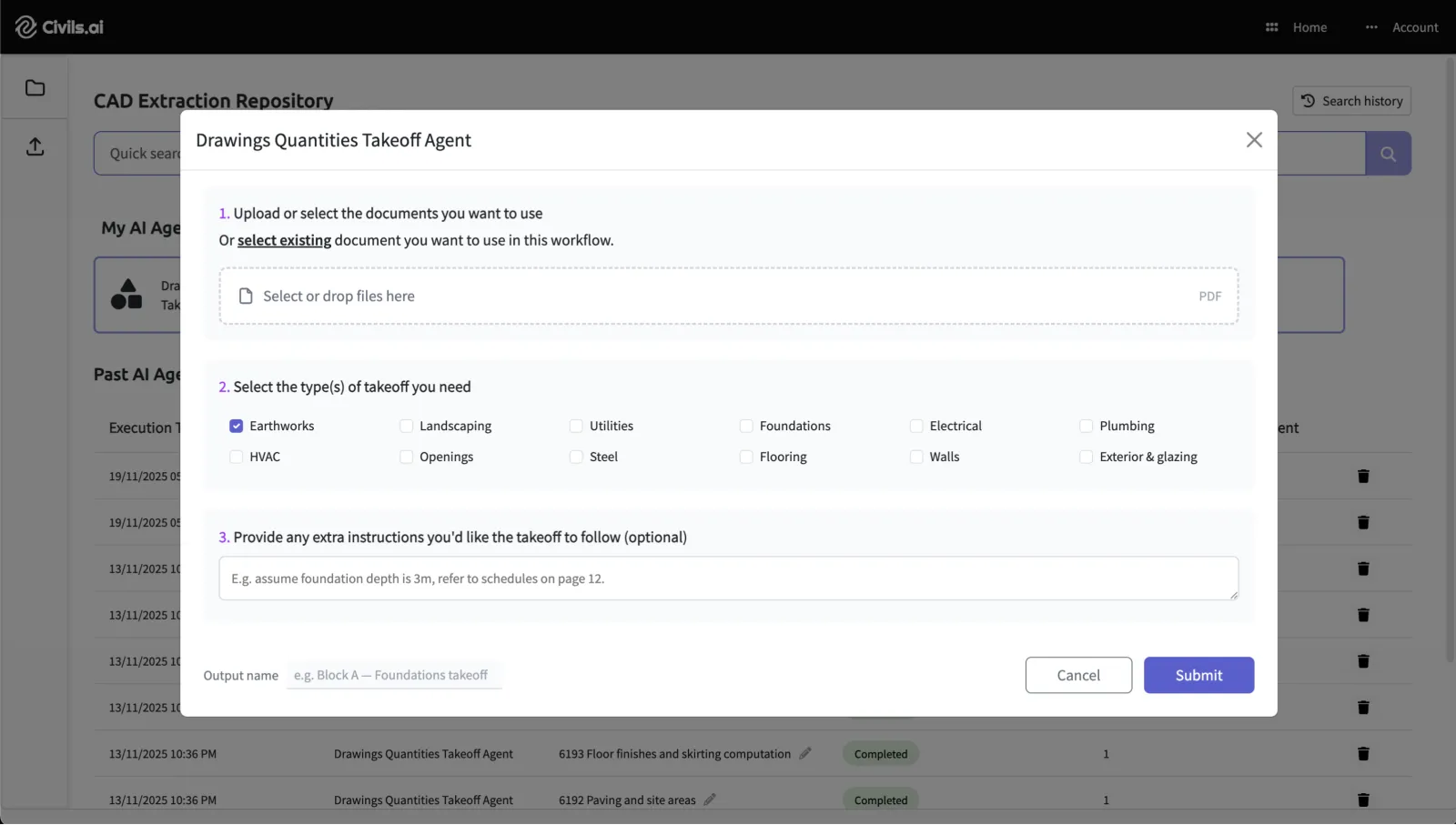
Select an AI Agent & type prompt
Type the take-off scope you need — e.g. "measure all paving and landscaping material areas shown in legend." Hit Run.
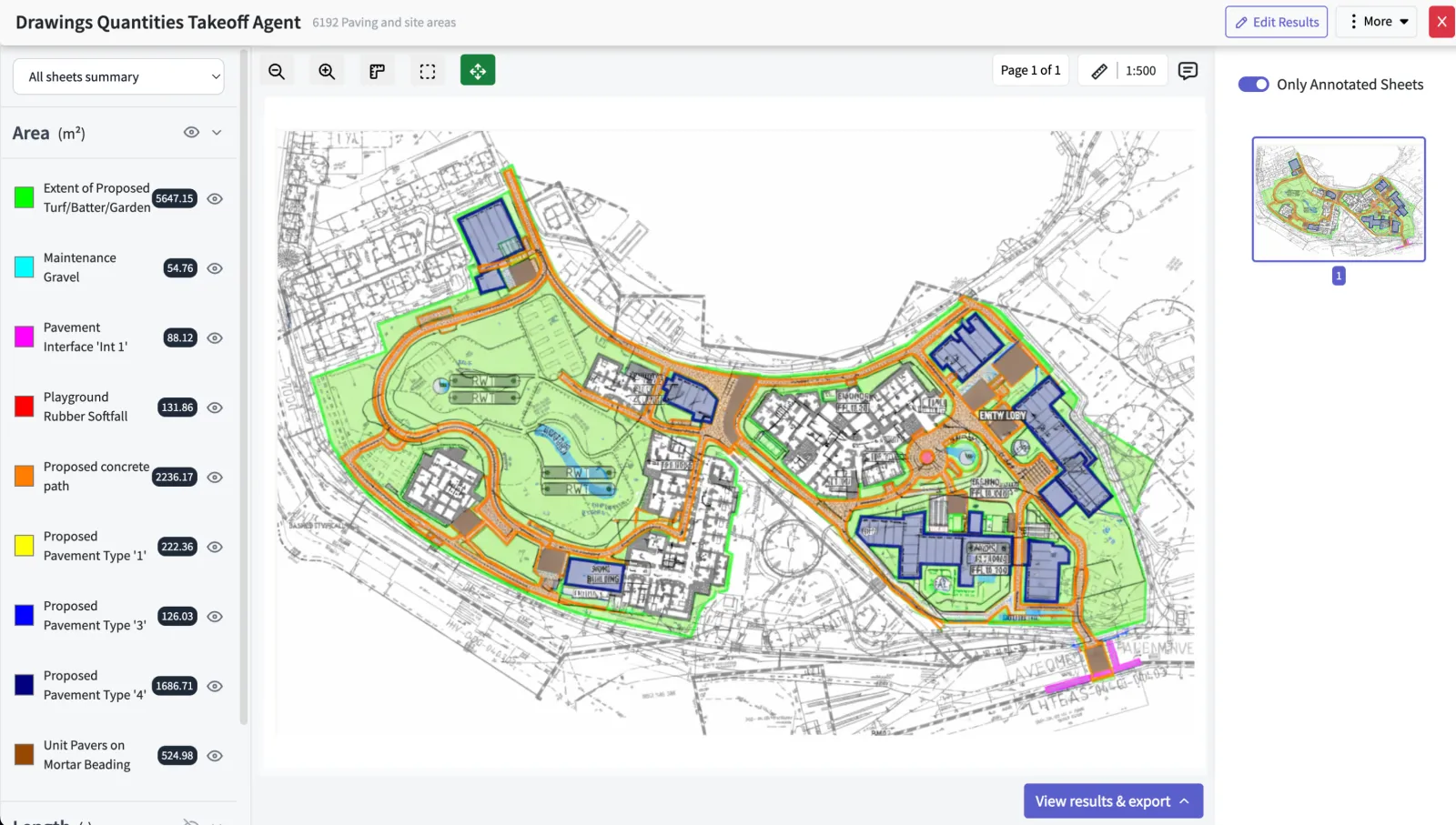
Review & export
Our QA team reviews the AI's measurements. See results on your annotated drawing and download to Excel or PDF.
Estimate your ROI in seconds.
Slide below to see how much you can boost your team's capacity without additional headcount.
Slide below to estimate your business case - see how much you can boost your capacity without additional headcount
—
—
—
—
—
Frequently asked questions.
Answers to common questions about our services. Can't find what you're looking for? Get in touch.
We are always improving our software and expanding the range of takeoffs we support. Here are our latest capabilities:
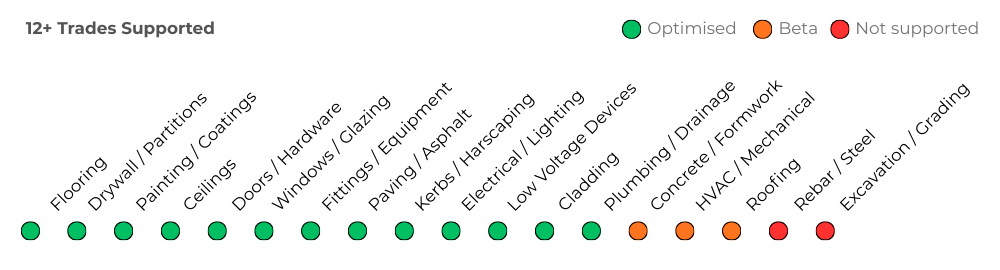
Takeoffs are counted per drawing sheet, based only on the sheet's scale.
| Drawing sheet scale | Takeoffs |
|---|---|
| Up to 1:365 | 1 |
| 1:366 to 1:505 | 2 |
| 1:506 to 1:720 | 3 |
| Above 1:720 | 5 |
No. However, “Unlimited AI searches & checks” covers standard in-app AI searches and checks, following our fair use policy assuming that one single person is using one single account.
This includes typical query-based tasks such as reviewing documents, checking information, and running standard AI-assisted checks.
Some AI Agents can go beyond simple searches and checks (for example: multi-step agent workflows). These advanced agents may be priced separately on a custom basis.
Where custom pricing applies, we will scope and confirm this with you in advance.
Your uploaded data is stored within a relational database and cloud object storage with our best in class cloud infrastructure provider. All documents are anonymised, un-anonymised data is only viewable from the user account from which the data was uploaded.
All data is transmitted through TLS and uses best practice encryption.
You can automatically delete any data you uploaded at any time by clicking the delete button related to the project or document.
You can also write to us to request that we delete your data at any time and all data related to you will be deleted when you delete your account.
Data is stored securely on servers in the United States, by a vetted, best in class cloud infrastructure provider.
We currently support any form of PDF document or drawings (including handwritten and scanned PDF).
For takeoffs from modern PDFs, we achieve over 97% accuracy.
For hand-drawn or older PDFs (before 1975) these are more challenging and such a high degree of accuracy cannot be guaranteed.
We use a human-in-the-loop process on all AI extracted data to ensure output accuracy.
Workflow processing time can vary depending on how complex the data is being extracted and we aim to return results within 24 hours.
After you start a workflow running you can close Civils.ai and will be notified once the data extraction is completed via email.
Start using Civils.ai today.
Join 200+ contractors and consultants cutting takeoff time by up to 90%. No setup fees, cancel anytime.
Get started